OpenAI Images 2.6: ChatGPT Makes GIFs, API Gets Two Models
Share: https://www.ellixorlabs.com/blog/openai-images-2-6-gif-chatgpt-api-pricing (copy URL for iMessage or social)
Published (display in IST)
Updated (IST)
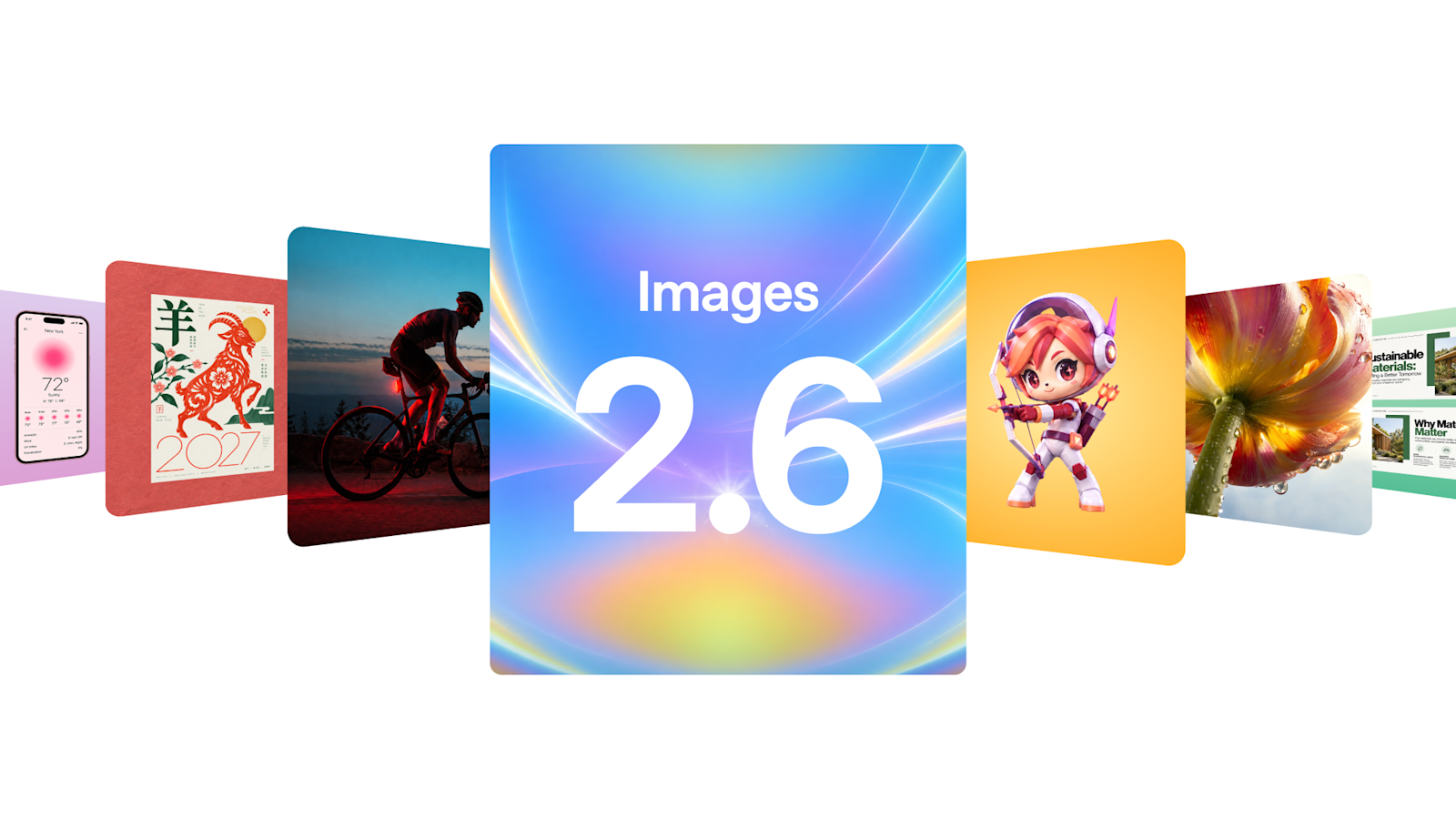
ChatGPT can now turn a prompt or photo into a looping GIF. OpenAI's Images 2.6 is 50% faster, adds two API models, and early LMArena votes reveal a twist on quality.
Image: OpenAI, Images 2.6 announcement. View source.
ChatGPT can now turn a one-line prompt or a still photo into a looping GIF. OpenAI released Images 2.6 on 4 November 2026, bringing animated GIFs, faster generation and tighter editing control to ChatGPT, Codex and its API, along with two new developer models called GPT-Image-2.6 Flare and GPT-Image-2.6 Sunburst.
In short, Images 2.6 is available on every ChatGPT tier, OpenAI says it generates images 50% faster than before, and early blind voting puts the new Sunburst model second on LMArena's text-to-image leaderboard, just behind OpenAI's own September release.
The timing matters because image generation has become one of the busiest things people do with AI. OpenAI says users now create 4 billion images a week across ChatGPT, Codex and the API, up from the 3 billion a week it reported in September, according to The Verge. Adding motion moves the tool from making pictures to making the short loops that social feeds run on.
What OpenAI launched in Images 2.6
The headline feature is GIF creation. You can ask for a looping animation from a prompt, or upload a still image and ask ChatGPT to animate it. OpenAI's help centre says you can then adjust the playback speed, save or share the result, and describe further changes in the conversation. One limit worth knowing: ChatGPT cannot edit an animated GIF you upload.
With ChatGPT Images 2.6, turn a prompt or image into an animated GIF.
Posted by @OpenAI on X, 4 November 2026
Beyond GIFs, OpenAI says the update keeps characters, products and brand details more consistent from one edit to the next, a common frustration with earlier image tools. Images 2.6 is rolling out globally in ChatGPT and Codex on web, desktop and mobile, including for free users, as Neowin reports. It arrives just two months after Images 2.5.
Early access customers are already pitching it at creators. “GIFs are the native language of social media, and GPT-Image-2.6 lets every OpenArt creator speak it fluently from a single prompt,” said Coco Mao, chief executive and co-founder of OpenArt, in OpenAI's announcement.
How do Flare and Sunburst differ?
For developers, OpenAI split the release into two models. Flare is built for speed and, according to OpenAI, can produce an image in as little as six seconds when quality is set to low. Sunburst targets detailed work and better consistency across edits at medium or high quality. Both support image markup, so you can mark the exact area to change, SVG export for websites, apps and print, and a new complexity setting that controls how much the model plans before it renders. GIF output works on the generation endpoint only, not on edits, and you choose the number of frames and how long each one shows, OpenAI's image generation guide explains.
On price, OpenAI's model pages list the same token rates for both models: $5 per million text input tokens, $8 per million image input tokens and $30 per million image output tokens, with lower rates for cached input.
Benchmarks: how Images 2.6 compares
OpenAI has not published benchmark scores for Images 2.6. Its main claim is speed, a 50% gain over the previous version, and that figure is self-reported. The best independent signal so far is LMArena's text-to-image leaderboard, where people vote blind between images from two models. At the time of writing it shows:
Two caveats matter. The 2.6 scores are marked preliminary, rest on fewer than 3,000 votes each with a margin of plus or minus 13 points, and reflect the medium quality setting. On current numbers, the new models trail OpenAI's September 2.5 models on raw image preference, so the case for switching rests on speed, GIFs and editing control rather than a clear jump in quality. OpenAI's models hold all of the top five places.
What it means for founders, creators and builders
For small brands and creators, the practical win is cheap motion. An animated product shot, a looping mascot or a reaction GIF for a campaign used to need a designer and an animation tool. Now a first draft takes a prompt, but check every frame for warped logos, odd hands or garbled text before it reaches your website or social channels.
For product teams, SVG export and markup edits are the quieter but more useful changes. SVG files drop straight into a website or app as scalable assets, and markup lets users steer an edit precisely instead of rewriting a prompt. If you already run GPT Image 2 or 2.5 in production, OpenAI's prompting guide suggests testing Flare first where response time matters most and Sunburst where detail or edit accuracy decides whether an image is usable. Given the early leaderboard results, run your own prompts side by side before you switch.
If you are weighing where image generation fits in your product or workflow, our guide on when to bring in AI and automation is a good place to start, and our services page covers how we build these integrations.
What to watch next
Watch whether the 2.6 models climb LMArena as votes build up and the preliminary tags drop. Watch, too, how OpenAI handles safety for animated output; it says its system card for Images 2.6 sets out its safety evaluations and safeguards. And expect replies from Google, Microsoft and xAI, whose image models currently sit below OpenAI's on the same leaderboard.
It has been a busy week for AI launches, from Moonshot's Kimi K3.1 Pro going open weight to OpenAI and Meta buying AI coding startups. For creators, Images 2.6 is the one you can try today, free, in the app you probably already use.
Frequently asked questions
Is ChatGPT Images 2.6 free to use?
Yes. OpenAI says Images 2.6 is available in ChatGPT and Codex across all subscription tiers, including the free tier, on web, desktop and mobile. Developers pay per token to use GPT-Image-2.6 Flare and Sunburst in the API.
How do I make a GIF in ChatGPT?
Ask ChatGPT for a looping GIF and describe what should move, or upload a still image and ask it to animate it. You can then change the playback speed, save it or share it. GIF creation is still rolling out, and ChatGPT cannot edit an animated GIF you upload.
What is the difference between GPT-Image-2.6 Flare and Sunburst?
Flare is the faster model and can produce an image in as little as six seconds at low quality. Sunburst is built for detailed work and more consistent edits. Both support GIF and SVG output, and OpenAI lists the same token prices for each.
FAQ
Is ChatGPT Images 2.6 free to use?
Yes. OpenAI says Images 2.6 is available in ChatGPT and Codex across all subscription tiers, including the free tier, on web, desktop and mobile. Developers pay per token to use GPT-Image-2.6 Flare and Sunburst in the API.
How do I make a GIF in ChatGPT?
Ask ChatGPT for a looping GIF and describe what should move, or upload a still image and ask it to animate it. You can then change the playback speed, save it or share it. GIF creation is still rolling out, and ChatGPT cannot edit an animated GIF you upload.
What is the difference between GPT-Image-2.6 Flare and Sunburst?
Flare is the faster model and can produce an image in as little as six seconds at low quality. Sunburst is built for detailed work and more consistent edits. Both support GIF and SVG output, and OpenAI lists the same token prices for each.
Talk to Ellixor Labs about this topic.
Source: OpenAI