GL.iNet Router Malware: Check Your Model and Update Now
Share: https://www.ellixorlabs.com/blog/glinet-router-kvm-malware-goodcloud-check-update (copy URL for iMessage or social)
Published (display in IST)
Updated (IST)
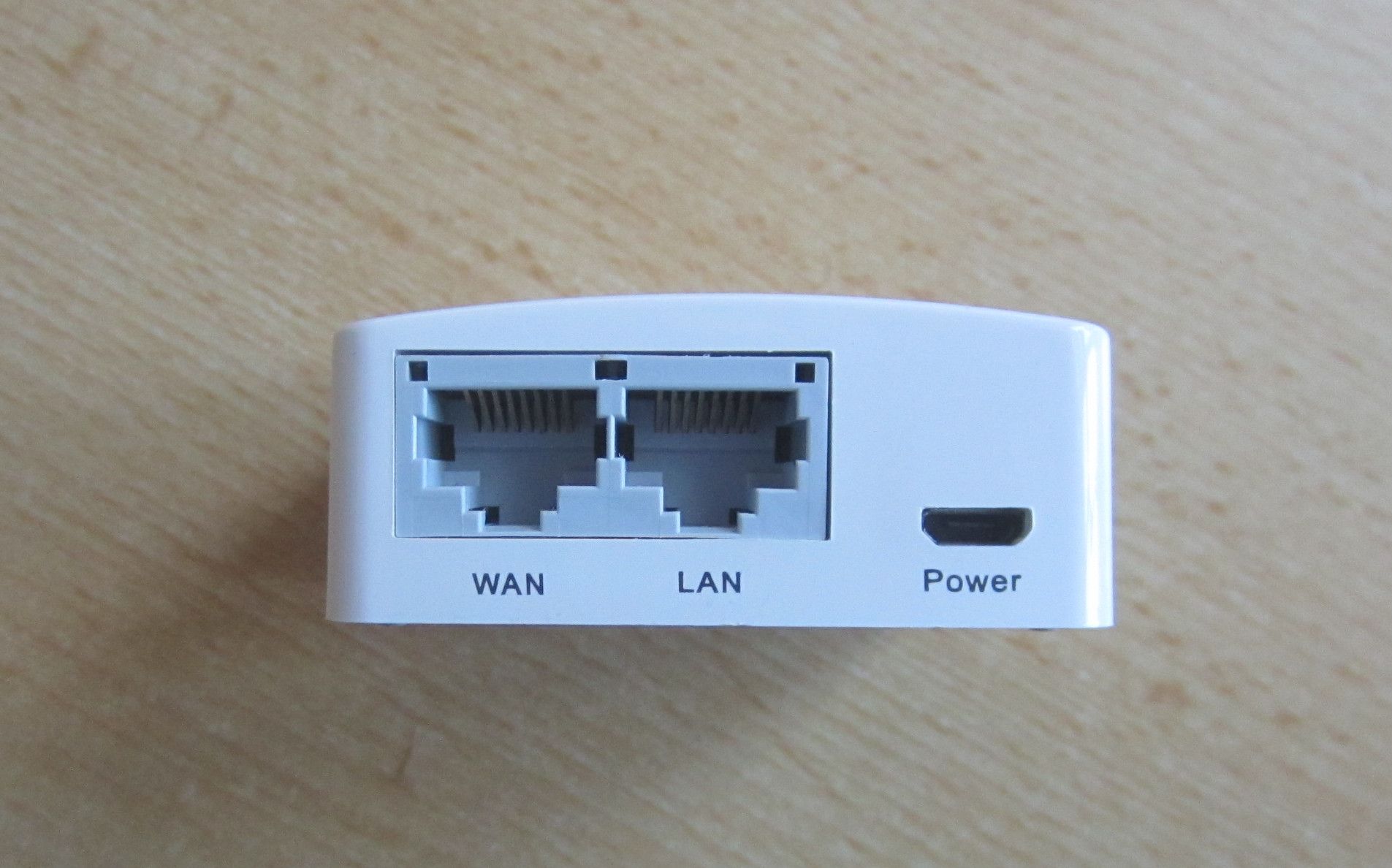
GL.iNet says attackers used a cloud flaw to install malware on some routers and KVMs. Here is how to check your device, which firmware you need and what to do if it is infected.
GL.iNet, the maker of popular travel and home routers and remote-access KVM devices, confirmed on 20 November 2026 that an attacker used a flaw in its cloud remote management service to install malicious software on some of its routers and KVMs. If you own one, check it today and install the latest stable security firmware for your exact model, because GL.iNet's own advisory says the cloud fix stops new infections but does not clean devices that were already hit.
What happened to GL.iNet routers and KVM devices?
GL.iNet says it identified the vulnerability in its cloud remote management service on 20 November 2026, blocked the attack path and fixed the cloud flaw. It has not said how the attackers got in, how many customers are affected or whether data was taken, and it is still investigating whether computers connected to infected KVM devices were reached. BleepingComputer's reporting adds corroborating detail: forum users and researchers shared samples of custom malware aimed at GL.iNet hardware, including root-level reverse shells, which are outbound connections that hand an attacker remote control. One consultancy, RemoteToHome, reported suspicious activity on 152 of the 183 routers it owns or manages, though it cautioned that some infections may be older and unrelated to this month's attack. Treat those figures as one team's findings, not a count of all victims.
Which GL.iNet models need the security firmware?
According to the advisory, the minimum stable firmware is 4.11.1 for the GL-MG1300, GL-MT3000 and GL-MT6000; 4.10.3 for the GL-E5800; 4.10.2 for the GL-BE3600 and GL-BE9300; 4.9.3 for the GL-BE14000; 4.9.1 for the GL-BE6500, GL-MT3600BE and GL-MT5000; 4.8.7 for the GL-BE10000; 4.8.4 for the GL-AX1800, GL-AXT1800, GL-SFT1200, GL-X3000 and GL-XE3000; and 4.7.14 for the GL-MT2500, GL-MT2500A and GL-X2000. For KVMs, the target is 1.10.3 or later for the RM1, RM1V2, RM10, RM10RC, RM1PE and RM4PE, and 1.8.7 or later for the RMQ1. If your model is not listed, GL.iNet says not to install firmware meant for another model and to contact support@gl-inet.com, since an unlisted model is not necessarily unaffected.
How do I check my GL.iNet device for infection?
GL.iNet's check is to look for the exact text crond -i /tmp/.log in the details of a running process. On a router, sign in to the admin panel, go to System, then Advanced Settings, open LuCI, choose Status, then Processes, and search for tmp/.log. Advanced users can run ps | grep tmp over SSH. On a KVM, open Toolbox, then Terminal, then Access, and run the command for your model from the advisory. A line showing only the grep command is not a match. Be aware the check is limited: the company says it may not catch every affected device, and BleepingComputer reports forum members found other backdoors it would miss. GL.iNet also links an optional, unofficial community scanner that it does not vouch for, so read its code before running it.
Whatever the result, GL.iNet recommends installing the stable security firmware, and says it removes the malware identified in this incident without a factory reset. BleepingComputer notes that the community scanner's developers warn some infected devices may need firmware reinstalled without keeping old settings. Our practical advice, not GL.iNet's: if you do not need remote management, switch it off; change the router and Wi-Fi passwords afterwards; and for an infected KVM, scan the computer it controls and look for unfamiliar accounts or startup items, as the advisory suggests. Businesses should tell whoever manages their network now. Our earlier guides on hijacked Bitly links and the Optimizely card skimmer attack show why a trusted vendor's failure becomes your problem.
Frequently asked questions
Is my GL.iNet router safe if I never used GoodCloud? GL.iNet has not published a list of which customers were hit, and it says the cloud flaw affected its remote management service. We cannot say a device is safe on that basis alone, so run the check and install the security firmware for your model whether or not you use remote management.
Do I need to factory reset after updating? GL.iNet says the stable security firmware removes the malware it identified without a reset, and that a reset is not needed if the check finds nothing and you have no other reason for suspicion. If you find signs of infection, the update fails or the indicator remains, contact support@gl-inet.com for recovery guidance.
Not sure which devices on your business network are exposed, or who patches them? Talk to our team about an inventory and update routine, or see how we build custom software that stays maintained.
FAQ
Is my GL.iNet router safe if I never used GoodCloud?
GL.iNet has not published a list of which customers were hit, and it says the cloud flaw affected its remote management service. We cannot say a device is safe on that basis alone, so run the check and install the security firmware for your model whether or not you use remote management.
Do I need to factory reset after updating?
GL.iNet says the stable security firmware removes the malware it identified without a reset, and that a reset is not needed if the check finds nothing and you have no other reason for suspicion. If you find signs of infection, the update fails or the indicator remains, contact support@gl-inet.com for recovery guidance.
Talk to Ellixor Labs about this topic.
Source: GL.iNet