WordPress Core Flaw Under Attack: Update to 7.1.4 Now
Share: https://www.ellixorlabs.com/blog/wordpress-core-flaw-cve-2026-119977-exploited-update-now (copy URL for iMessage or social)
Published (display in IST)
Updated (IST)
Attackers are probing a WordPress core upgrade flaw that can hand them full control of a site, and CISA confirms exploitation. Here is who is affected and how to patch today.
Image: WordPress Foundation / Wikimedia Commons, GPL. View source.
Attackers have been hammering a freshly patched WordPress core flaw so hard that one security vendor says its firewall has blocked more than 240,000 exploit attempts since the fix came out on 28 October. On 3 November the US Cybersecurity and Infrastructure Security Agency, CISA, confirmed the flaw is being exploited in the wild and added it to its Known Exploited Vulnerabilities catalogue, giving federal agencies until today, 6 November, to patch.
The bug, tracked as CVE-2026-119977, affects WordPress core versions 4.7 through 7.1.3. If your business site runs on WordPress, the short answer is simple: make sure it is on WordPress 7.1.4, or the latest security release for your branch, today.
What happened
WordPress shipped version 7.1.4 on 28 October as a security release. Its official release notes list fixes for 22 vulnerabilities, most of them stored cross-site scripting issues. The serious one is described by the WordPress security team as "a weakness in the WordPress upgrade process which can lead to remote code execution during the upgrade window". It was reported by Umut Bayram, a researcher at Picus Security, according to BleepingComputer.
Here is how it works. When WordPress performs a full core upgrade, it unpacks the new files into a staging folder under /wp-content/upgrade/. That path is predictable and reachable from the web. Wordfence, a WordPress security firm, says attackers send requests to installer files in that folder, such as setup-config.php, hoping to catch a site mid upgrade. If the installer answers, they can complete the staged installation, create an administrator account and upload malicious PHP code, which can lead to a complete site takeover.
Wordfence rates the flaw 8.1 out of 10, which is high severity, and says attackers started probing for it on the same day it was disclosed. The Hacker News reports that Wordfence logged more than 18,500 requests aimed at the staged installer paths in the first 21 hours alone.
CISA did not share details of who is behind the attacks. Its alert carried the agency's standard warning:
"This type of vulnerability is a frequent attack vector for malicious cyber actors and poses significant risks to the federal enterprise."
Why it matters for founders
WordPress powers a huge share of small business websites, marketing sites and online stores, and many of them are set up once and then left alone. That is exactly the kind of site this attack is built for. An attacker who gets admin access can inject spam links that hurt your search rankings, redirect visitors to scams, steal form submissions or quietly plant a backdoor for later.
There is some good news. Because the attack only works during the few moments a core upgrade is running, Wordfence calls successful exploitation "difficult in practice". Sites with automatic background updates switched on should already be patched. The risk sits with sites where updates are switched off, delayed by a cautious agency, or blocked by an old hosting setup.
This is also not a one off. BleepingComputer notes that in July WordPress patched a separate critical chain, nicknamed wp2shell, and attackers began breaching unpatched servers within days of public exploits appearing. The gap between a patch and the first attacks keeps shrinking, a pattern we also saw this week with the OpenSSH flaw on Alpine Linux servers.
How do I protect my WordPress site?
Should I turn on automatic updates?
For most small business sites, yes, at least for core security releases. Sites with automatic background updates got this fix without anyone lifting a finger. If you worry about updates breaking your theme or plugins, the safer answer is a staging copy and a regular maintenance routine, not switching updates off. If your site has drifted far behind, our guide to content management systems explains the trade offs, and our website services cover ongoing maintenance.
What to watch next
Keep an eye on whether security researchers or attackers publish a working proof of concept, which usually turns scattered probing into mass exploitation. Hosting companies may also start forcing updates on customers who have not patched. And the next major release, WordPress 7.2, is planned for 8 December, so build a habit now of checking your site after every release rather than once a year.
The bottom line is short. Check your version today, update if you need to, and look for admin accounts that should not be there.
Frequently asked questions
Which WordPress versions are affected by CVE-2026-119977?
WordPress core versions 4.7 through 7.1.3 are affected, according to Wordfence. The fix is in WordPress 7.1.4, released on 28 October 2026, with backported security releases for older branches such as 7.0.8, 6.9.11 and 6.8.12.
How do I know if my WordPress site is already patched?
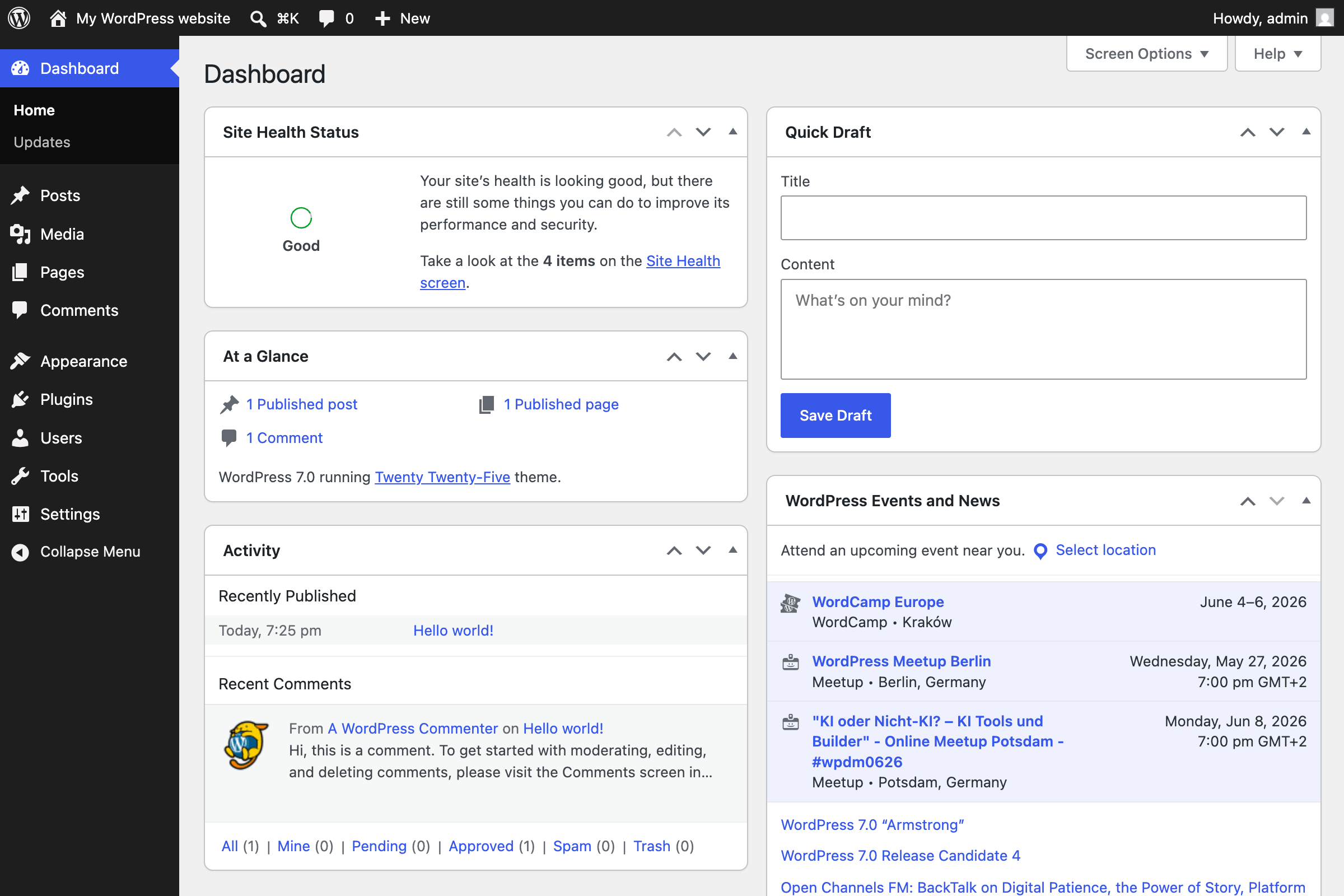
Open Dashboard, then Updates, in your WordPress admin and check the version number. If you are on 7.1.4, or the latest security release for your branch, the upgrade flaw is fixed. Sites with automatic background updates should already have been updated.
Is the WordPress upgrade flaw easy to exploit?
Not easily. It is a race condition that only works during the short window while a full core upgrade is running, so Wordfence calls successful exploitation difficult in practice. But attackers are actively scanning for it, so you should still update straight away.
FAQ
Which WordPress versions are affected by CVE-2026-119977?
WordPress core versions 4.7 through 7.1.3 are affected, according to Wordfence. The fix is in WordPress 7.1.4, released on 28 October 2026, with backported security releases for older branches such as 7.0.8, 6.9.11 and 6.8.12.
How do I know if my WordPress site is already patched?
Open Dashboard, then Updates, in your WordPress admin and check the version number. If you are on 7.1.4, or the latest security release for your branch, the upgrade flaw is fixed. Sites with automatic background updates should already have been updated.
Is the WordPress upgrade flaw easy to exploit?
Not easily. It is a race condition that only works during the short window while a full core upgrade is running, so Wordfence calls successful exploitation difficult in practice. But attackers are actively scanning for it, so you should still update straight away.
Talk to Ellixor Labs about this topic.
Source: Wordfence